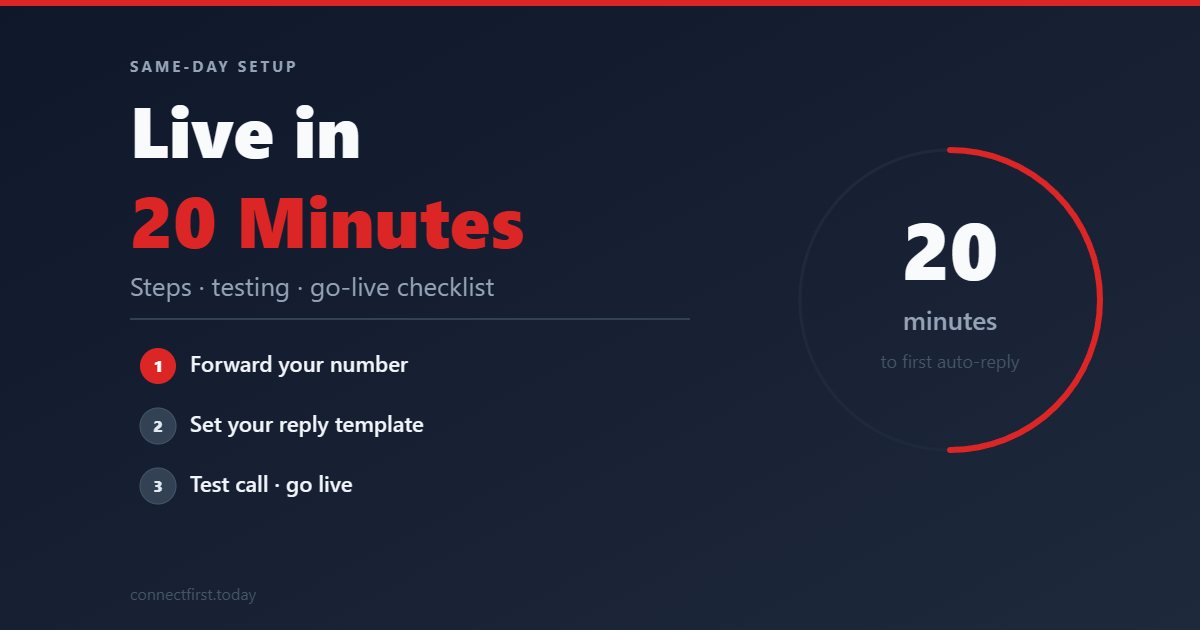
Missed-call text-back isn't a months-long IT project. When the pieces are already wired up (telephony, rules, and a dashboard), most operators can validate the full loop in one sitting.
In this article
Before you start (5 minutes)
- Decide which advertised number callers will use going forward (often a new local tracking number).
- Pick one owner email for inbound SMS replies.
- Write your v1 text template using the pattern in our templates post.
Step 1: Provision and forward (5–8 minutes)
- Create/provision the tracking number in your area code.
- Set unconditional forward to the phone you already answer (cell or office).
- Call it once live and confirm rings on your handset.
Step 2: Automation rules (3–5 minutes)
Confirm the basics with whoever configures the backend:
- Qualify missed calls with a minimum ring count (filters hang-ups).
- Enforce duplicate suppression so repeat callers aren't hammered.
- Ensure STOP/HELP keywords suppress future automated texts.
Step 3: Template and test (5 minutes)
- Paste your template into the dashboard.
- From a different phone, call the tracking number and intentionally miss the call.
- Confirm the text arrives in ~30–60 seconds and reads correctly on iOS and Android.
Step 4: Team alignment (2 minutes)
If someone else answers phones sometimes, tell them the only customer-facing change: the number on the truck/site/GBP is now the tracking line. Pickup experience stays the same.
Common first-day issues
- Forwarded to voicemail too fast: may affect what counts as a miss. Tune ring time with your tech setup.
- Duplicate tests: suppression may block a second text. Use a different caller ID or wait out the window.
- Wrong template variable: read the message as a customer. Fix awkward phrasing before driving ads to the number.
You're done when…
You've got a successful live miss → auto text → inbound reply → email notification loop. Everything after that is optimization, not prerequisites.
ConnectFirst sets this up for residential HVAC operators in one session. Try the live demo →