How ConnectFirst works
Set up in an afternoon. Running automatically from day one.
Book a Demo to Get Started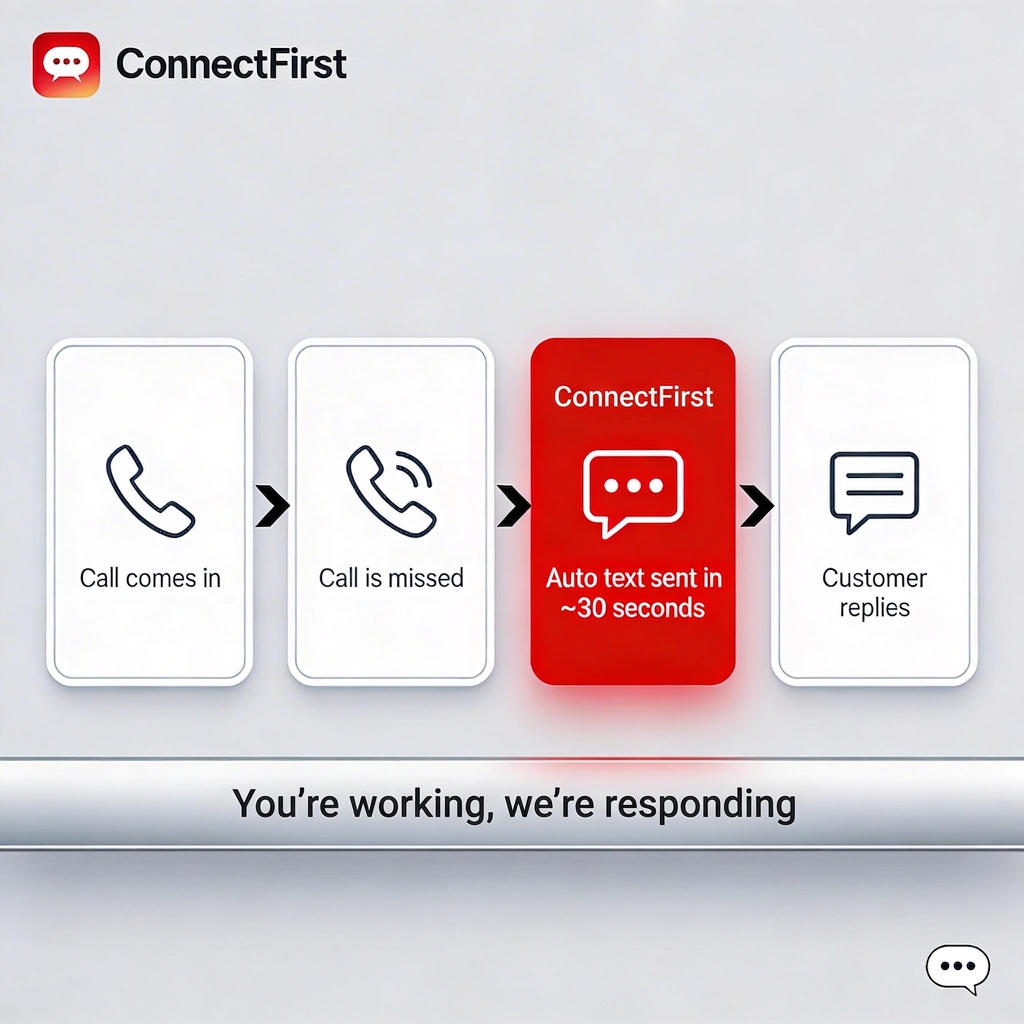
We provision a tracking number
During setup, ConnectFirst assigns you a local Twilio tracking number in your area code. This is the number you'll advertise on your truck, website, and Google Business Profile — not your personal number.
The number forwards to your existing line
Every call to your ConnectFirst number is instantly forwarded to your current business phone. Nothing changes about how you answer calls — your customers have no idea there's a tracking number involved.
You miss a call
When a prospect calls and doesn't reach you — whether you're on another job, under a unit, or it's 11 PM — ConnectFirst detects the missed call in real time. It qualifies it (minimum ring count, not a repeat within 48 hours) and prepares to fire the auto-text.
They get a text in ~30 seconds
Your customized message goes out from your ConnectFirst number within 30 seconds. Something like: "Hi! This is Peak HVAC — sorry I missed your call. I'd love to help. What can I assist you with today?" Short, human, and non-spammy.
Their reply lands in your email
When the prospect texts back, ConnectFirst forwards their reply to your email address instantly. You respond like a normal text — or you can call them back. No new apps to check.
You book the job
The conversation is open. You're first to respond. Most prospects are impressed someone reached out so fast — and that's your advantage. Close the call, schedule the visit, book the job.
Built for compliance, not just convenience
Common questions
What counts as a 'missed call'?
ConnectFirst uses Twilio's call status signals to detect calls that rang at least 3 times without being answered, or went to voicemail without a live answer. Calls you answer are never followed up.
Can I turn off the automation temporarily?
Yes — the operator dashboard has a simple toggle. You can pause auto-texts for vacations, holidays, or any reason, and resume with one click.
How long does setup take?
Most operators are live within the same day as their demo call. The number provisioning and configuration take about 20 minutes once you've decided to move forward.
What if the same caller calls back right away?
ConnectFirst enforces a 48-hour suppression window per caller. If they call back within 48 hours, they won't receive a second auto-text.
Sounds simple — because it is
Book a 15-minute demo and we'll walk you through the full setup live.
Book a Free Demo →